 MarqueeLab
Turn your phone into an LED banner in seconds.
Type a message, pick colors and effects, and show it full screen as a scrolling LED sign. Start from ready-made templates, count down to events, and share your banner as a GIF or video.
Free to download · iPhone, iPad and Android · 18 languages
See it in action
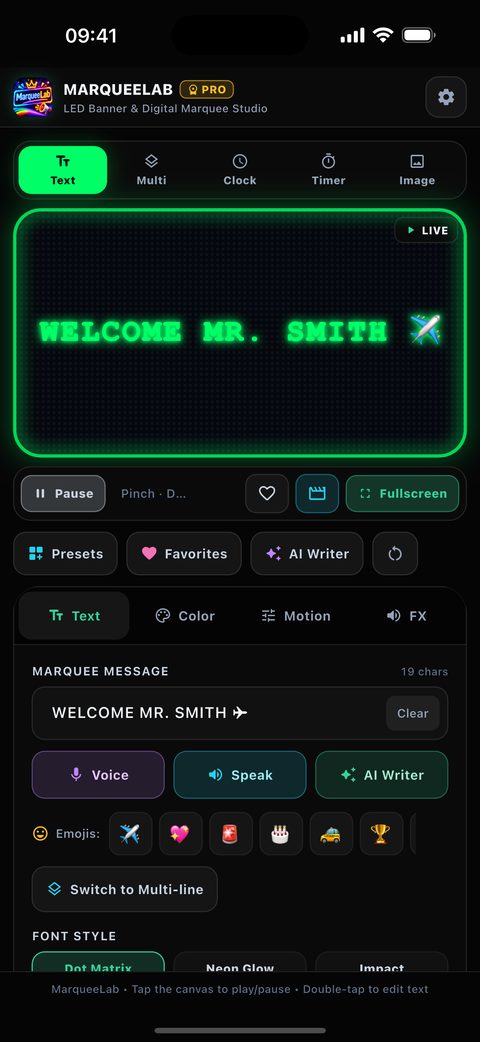
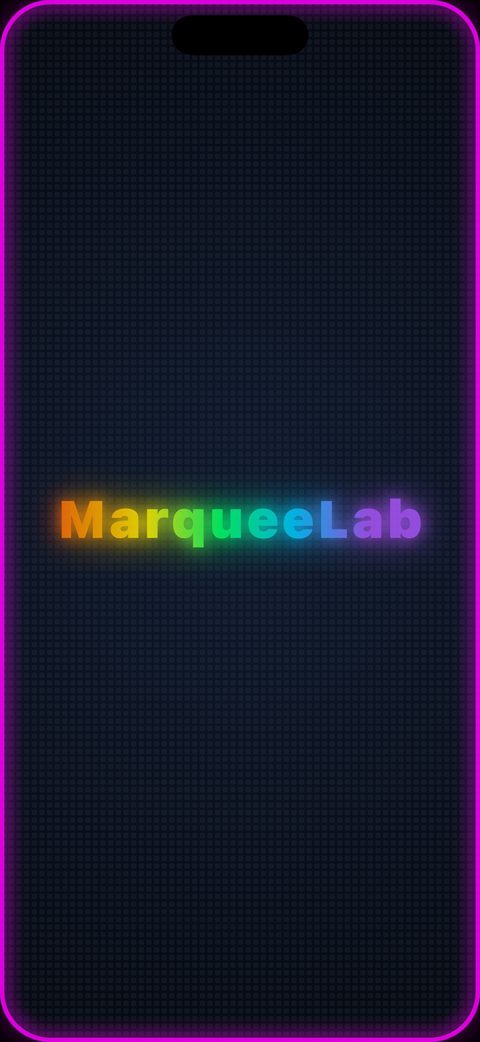
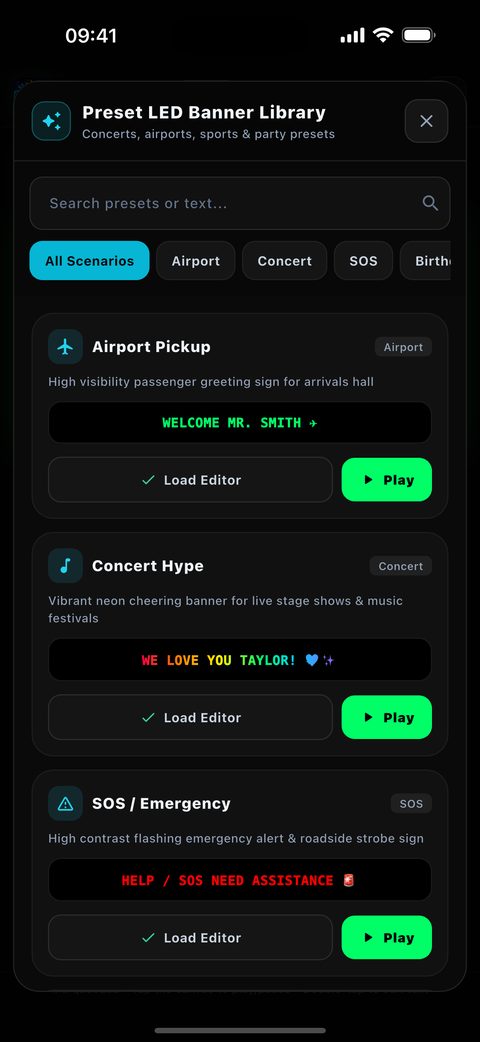
Real screens from the app.
Everything you need to make a message stand out
From a simple scrolling sign to a shareable animated banner.
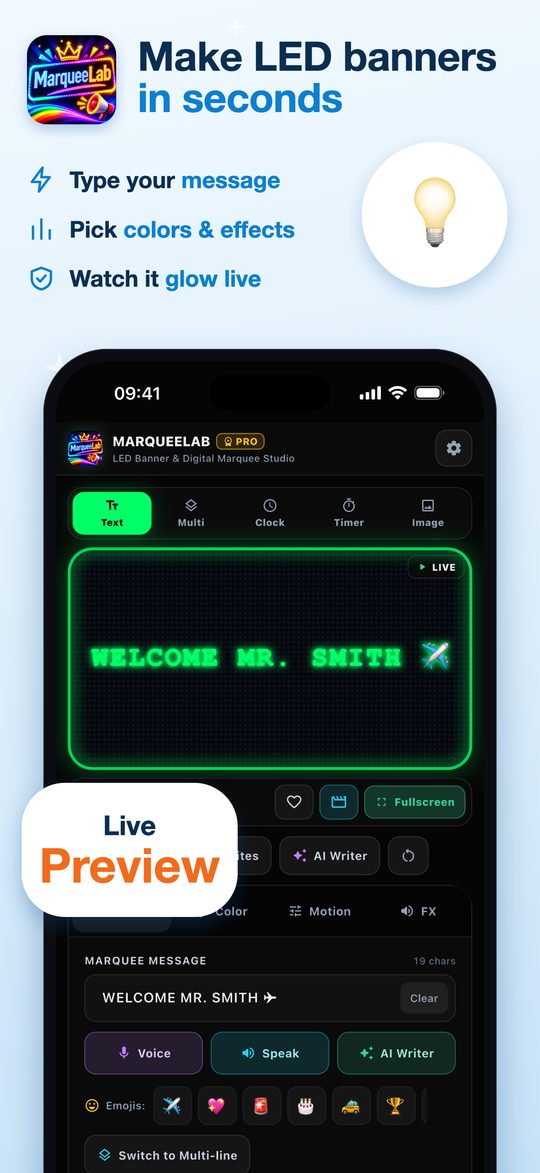
LED text editor
Type your message and see a live LED preview. Scroll right-to-left, left-to-right, bounce, or keep it fixed, with adjustable speed, size and blinking.
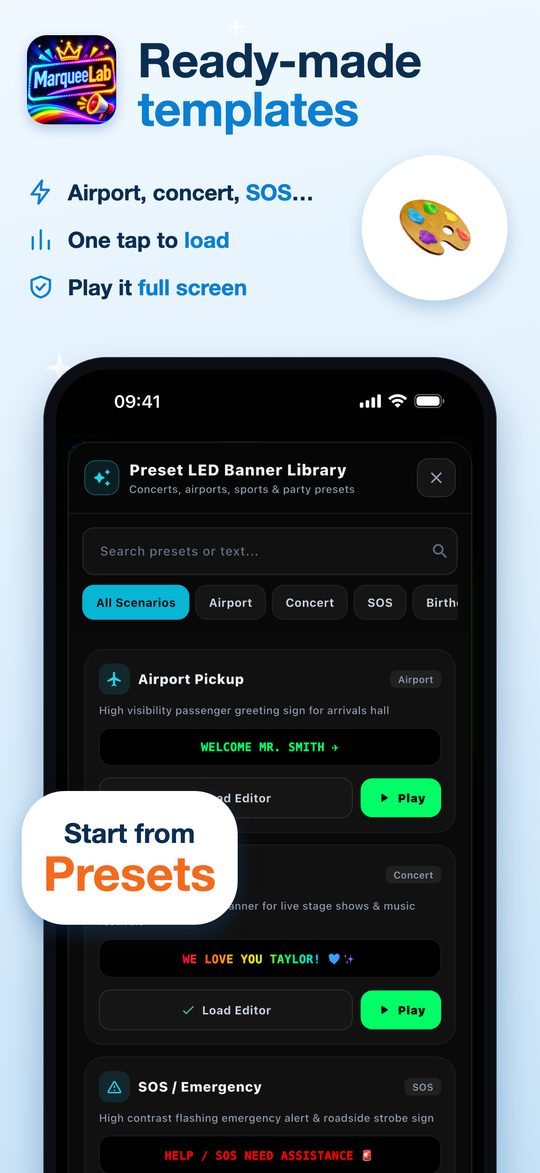
Ready-made templates
Start from presets for airport pickup, concerts, SOS signals, birthdays, taxi and ride pickup, sports cheers and nightclub promos.
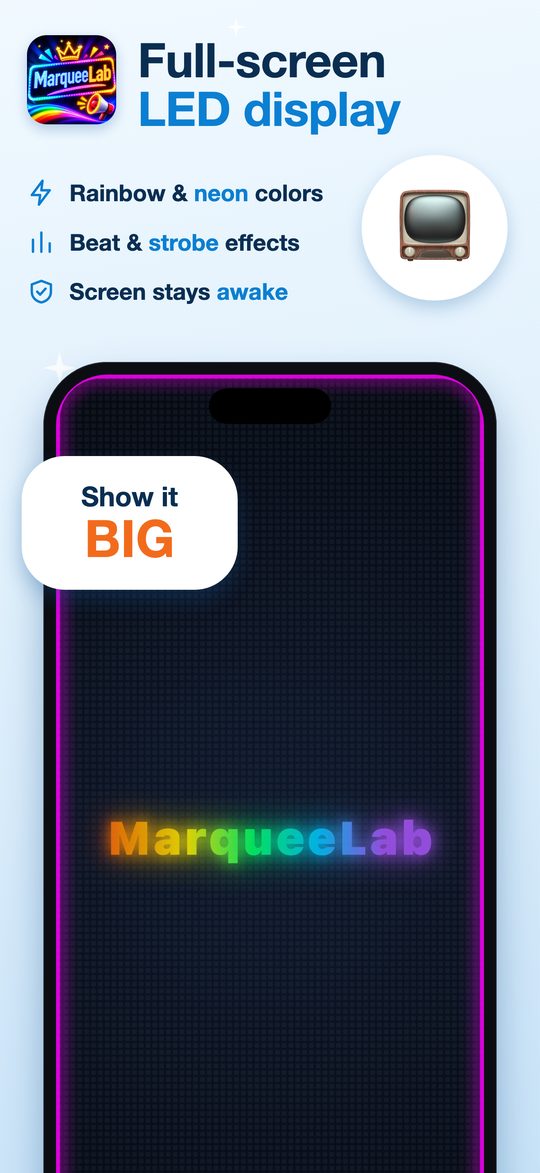
Full-screen display
One tap to go full screen. The screen stays awake and the controls hide until you tap. Portrait or landscape, with an orientation lock.
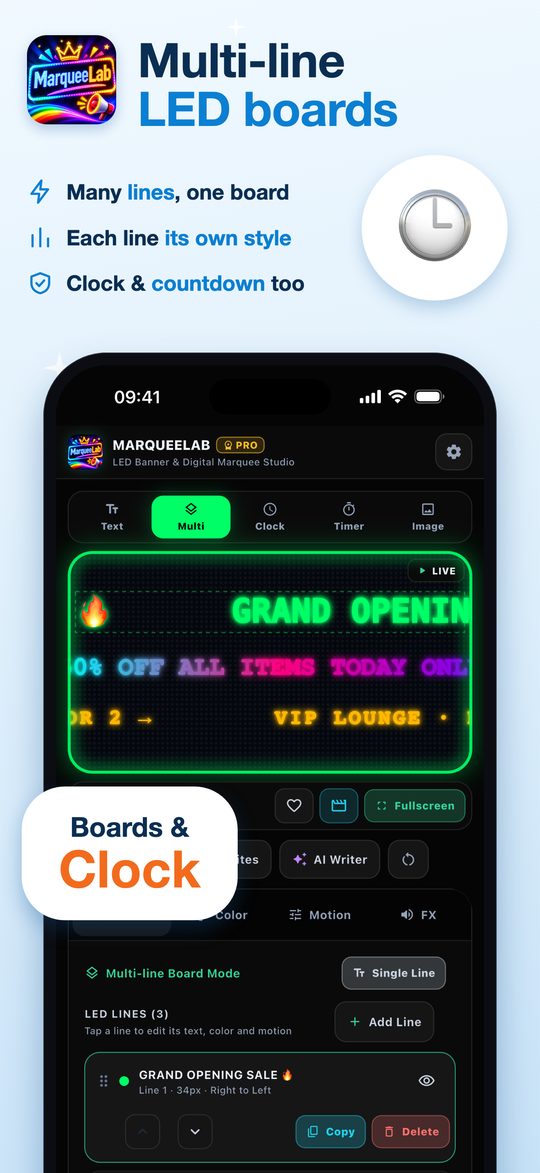
Multi-line LED boards
Build a board with several lines, each with its own text, color and style.
Clock and countdown
Show a digital clock or count down to an event or special moment.
Image to LED
Turn a picture into pixel-style LED art and display it like any other banner.
Voice tools
Text to speech reads your message aloud, and voice to text lets you dictate it (depends on your device and language).
AI Writer
Get slogan, greeting and stage-message ideas. Online AI when available, built-in ideas when you are offline.
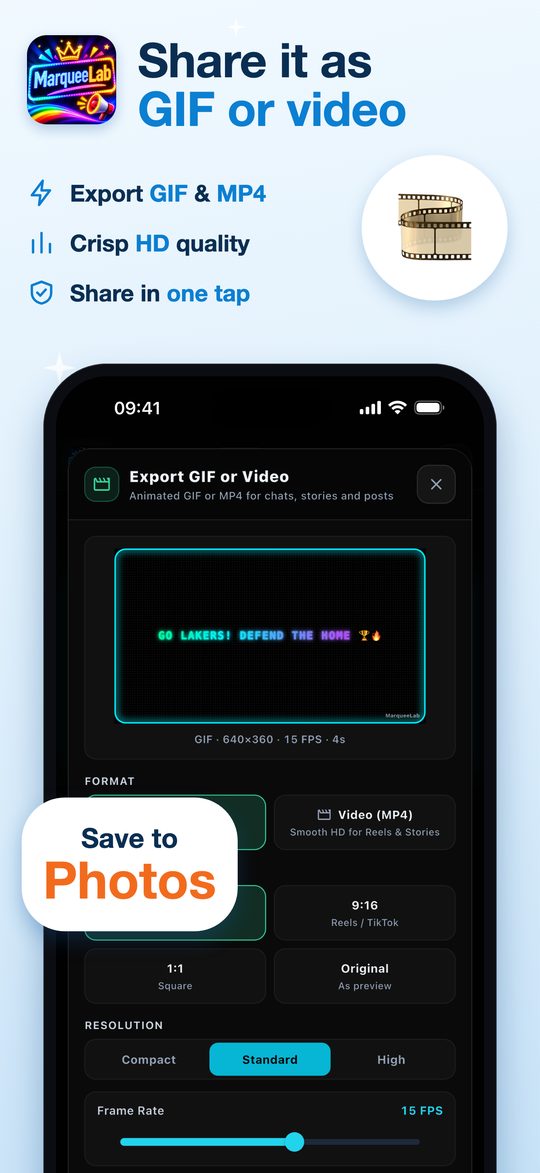
GIF and MP4 export
Export your banner as an animated GIF or MP4 video, choose frame shape and quality, then share it or save it to Photos.
18 languages
The app is available in English, Vietnamese, German, Spanish, French, Hindi, Indonesian, Italian, Japanese, Korean, Dutch, Polish, Portuguese (Brazil), Russian, Thai, Turkish and Chinese (Simplified and Traditional).
Make it yours
Fonts, colors and effects built for LED displays.
Six LED font styles
Dot matrix, neon glow, impact, cyber, tech block and arcade.
Colors and gradients
Solid colors, a custom picker, rainbow and gradient text.
Effects
Glow, dot shapes, backgrounds, blink, beat-pulse and strobe-style effects, and a neon light frame.
Rear-view mirror mode
Flip the text horizontally so drivers can read it in a mirror.
How it works
- WriteType your message or load a template.
- StylePick font, colors, motion and effects while you watch the preview.
- Show or shareGo full screen, or export a GIF or video.
Made for real-life moments
Events and parties
Welcome signs, cheers and countdowns.
Concerts and sports
Bold messages for the crowd.
Airport pickup
A clear name sign for arrivals.
Shops and stalls
Promotions and opening-hours banners.
Taxi and rides
A visible pickup sign, with mirror mode.
Creators
Animated text clips to share as GIF or video.
18 languages
Frequently asked questions
Is MarqueeLab free?
Yes. You can download and use it for free; the free version shows ads. Premium is an optional in-app purchase that removes ads and unlocks extra features.
Does it work offline?
Yes. The editor, templates, full-screen display, clock, countdown and export work offline. AI Writer uses built-in ideas offline, and online AI suggestions need a connection. Ads and purchases need a connection.
Do I need an account?
No. There is no sign-up. Your designs and favorites are stored on your device.
What does AI Writer send?
Only the options you pick (purpose, tone, language, length and an optional note) are sent to generate suggestions when online AI is used. Please do not put personal information in the note. See the Privacy Policy.
How do I restore my purchase?
Open Settings → Restore purchases in the app, using the same Apple ID or Google account you purchased with.
How do I cancel a subscription?
On iPhone or iPad: Settings → your name → Subscriptions → MarqueeLab. On Android: Google Play → profile icon → Payments & subscriptions → Subscriptions → MarqueeLab. Deleting the app does not cancel a subscription.
Are the flashing effects safe?
Strobe and blinking effects can bother people who are sensitive to flashing lights. Use them responsibly, avoid them for audiences who may be affected, and follow local rules, including in vehicles.
Contact
Questions, feedback or a problem? Write to us and we will get back to you.